
DMobile for everyday banking from your phone
Manage accounts, payments, cards and requests in one mobile app with a modern interface and quick access to the most important banking services.
The app is suitable both for viewing information and for active banking, with transactions confirmed using D Token or an SMS TAN code.


Mobile banking with transaction and view-only access
Payments, foreign-exchange transactions, card management, account information and access to branches and ATMs in an elegant mobile format.
Who the App Is For
Minimum Technical Requirements
Integration with DToken
D Token is an authentication method for logging in to DBank Online and DMobile that enables transactions and requests to be confirmed. Customers who choose this method can use the software token built into the app.
Visit a D Commerce Bank branch and request registration for DBank Online and DMobile if you are not already registered.
Read the documents and security recommendations required to use the service.
Choose an authentication method for transaction access: D Token or an SMS TAN code.
Once registration is complete, you will receive a username for accessing DBank Online and DMobile.
Download the app from the App Store or Google Play and enjoy easy, convenient banking.
Software Token
An authentication and transaction-confirmation method for DBank Online and DMobile, suitable for secure everyday use.
SMS TAN Code
A one-time code sent by free SMS to the mobile number provided by the customer to confirm transactions.
Security Recommendations
All customers who had access rights to DBank Online as at 27.11.2022 can use DMobile without visiting a branch. They only need to download the app from App Store or Google Play.
After 27.11.2022, newly registered DBank Online users must also request DMobile at a Bank branch.
- Banking with transaction access – payments, utility bills, foreign-exchange transactions and card management.
- Banking with view-only access – account, branch and ATM information.
DMobile is free to download from the App Store or Google Play.
- iOS 12 or later.
- Android 6 or later.
- An active internet connection.
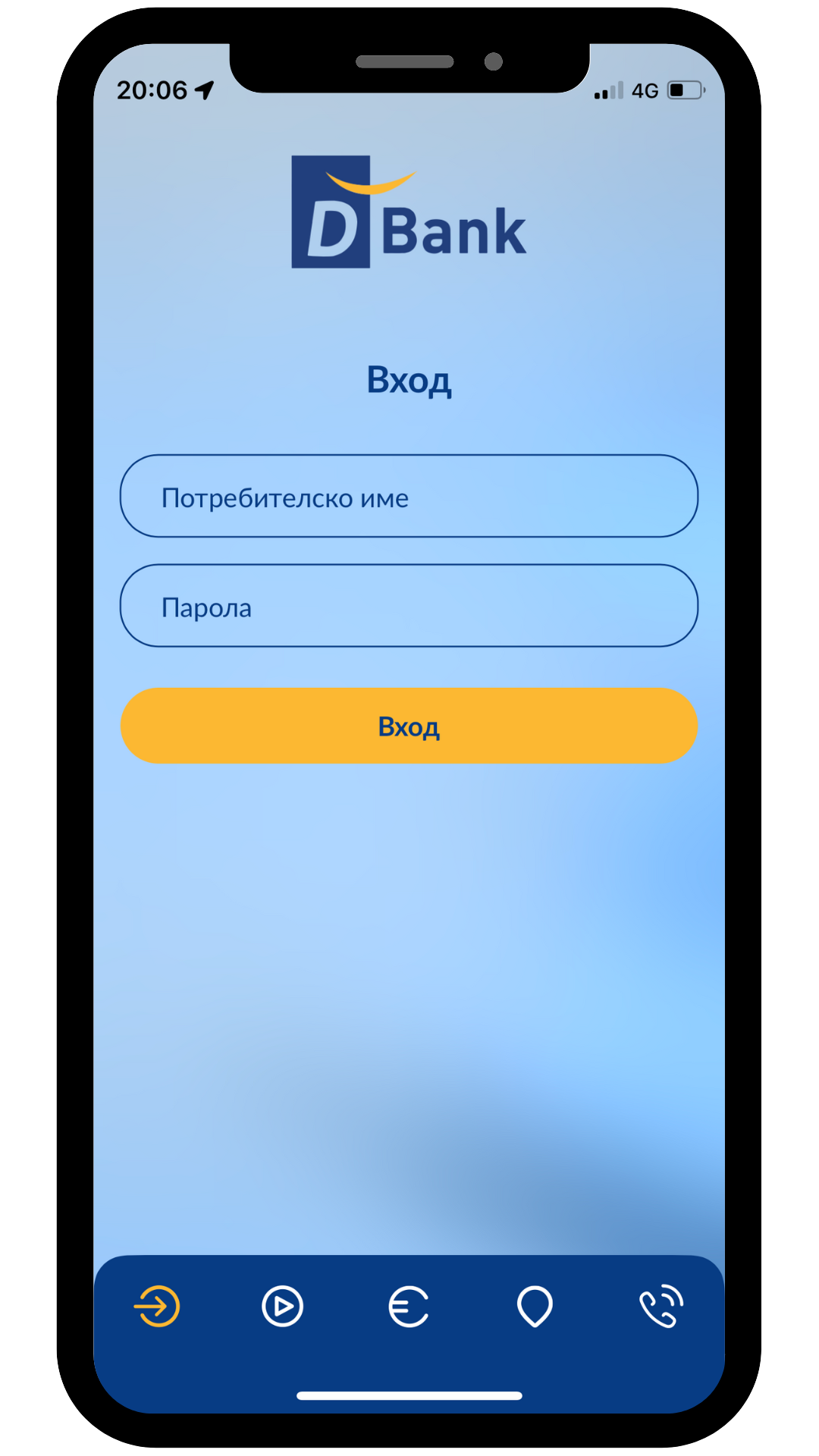
Log in using your username and password or D Token, depending on the method selected. Transactions are confirmed using an SMS TAN code or a software token.
You need to visit a Bank branch, where you will be issued a new temporary password, which you must then replace with your own.
The change can be made at any a Bank branch. If you wish to switch from an SMS TAN code to D Token, you can also do so through DBank Online.
Accounts can be added through DBank Online and/or at a branch of DBank. Once added, they will also appear in DMobile.


